Download Button
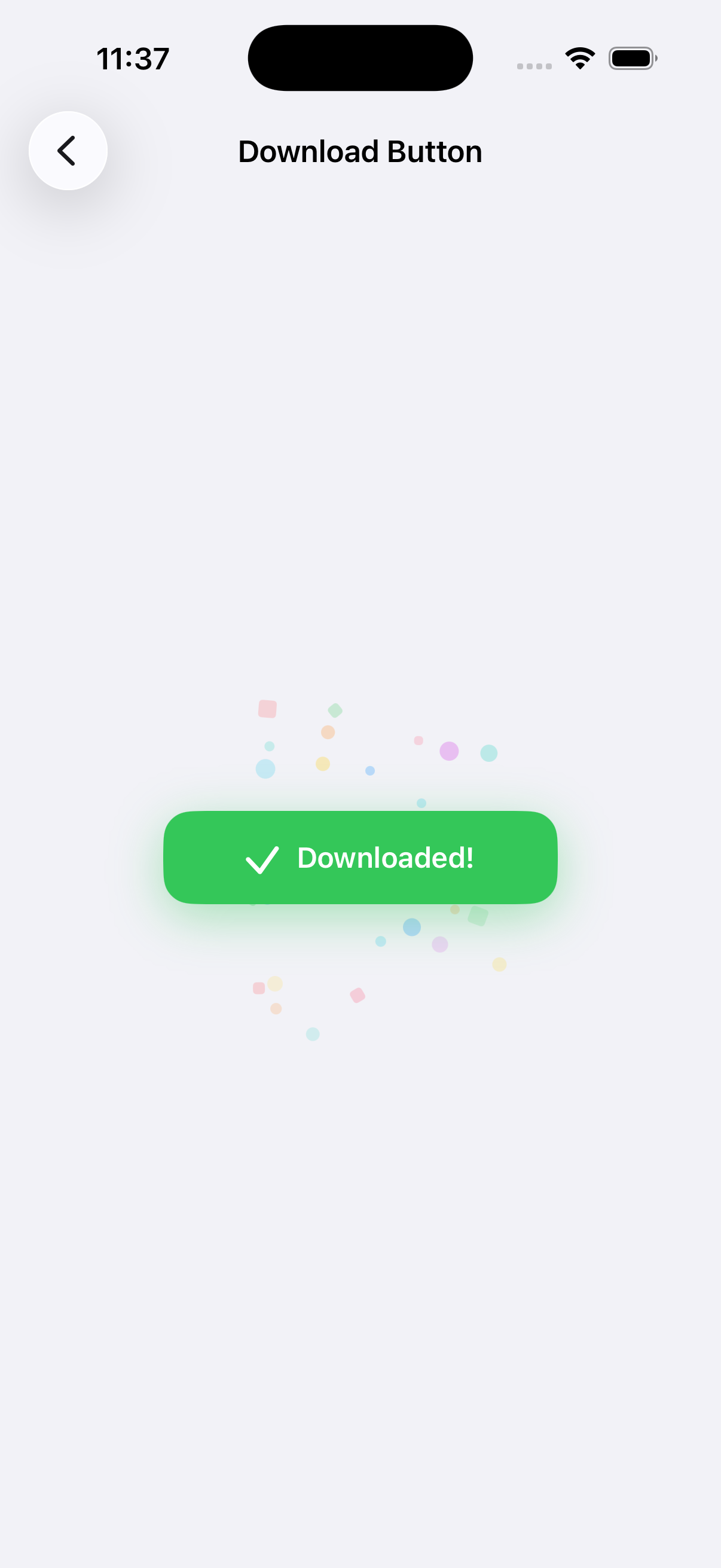
An App Store-style GET button for long downloads: the pill morphs into a glowing progress ring with rising liquid and a stop square to cancel, draws a checkmark on completion, then becomes OPEN. Handles waiting, cancel and failure/retry, with live percentage and size, haptics and VoiceOver.
 Luiz Mello
- button
- progress
- animation
snippet.swift560 lines
9 files • Scroll to see all →
/// An App Store–style "GET" button built for long downloads.////// **GET** → tap → the pill collapses into a circle with a *waiting* spinner →/// a **progress ring** fills with a glowing head while liquid rises inside it/// (tap the stop square to cancel and the ring unwinds back into the pill) →/// the circle floods with color, a **checkmark draws itself**, then it/// expands into **OPEN**. A failure shakes the ring and offers **RETRY**.////// You own the download; the button only renders it. Drive it through the/// `status` binding: the button sets `.preparing` when tapped (and calls/// `onStart`), sets `.idle` when cancelled (and calls `onCancel`); you report/// `.downloading(progress)`, then `.installed` or `.failed`.public struct DownloadButton: View { /// What the download is doing right now. public enum Status: Equatable { case idle /// Queued / connecting — shows a spinner before bytes arrive. case preparing /// 0...1 case downloading(Double)// ... (click "Show full code" to see more)Viewing: DownloadButton.swift•1 of 9